
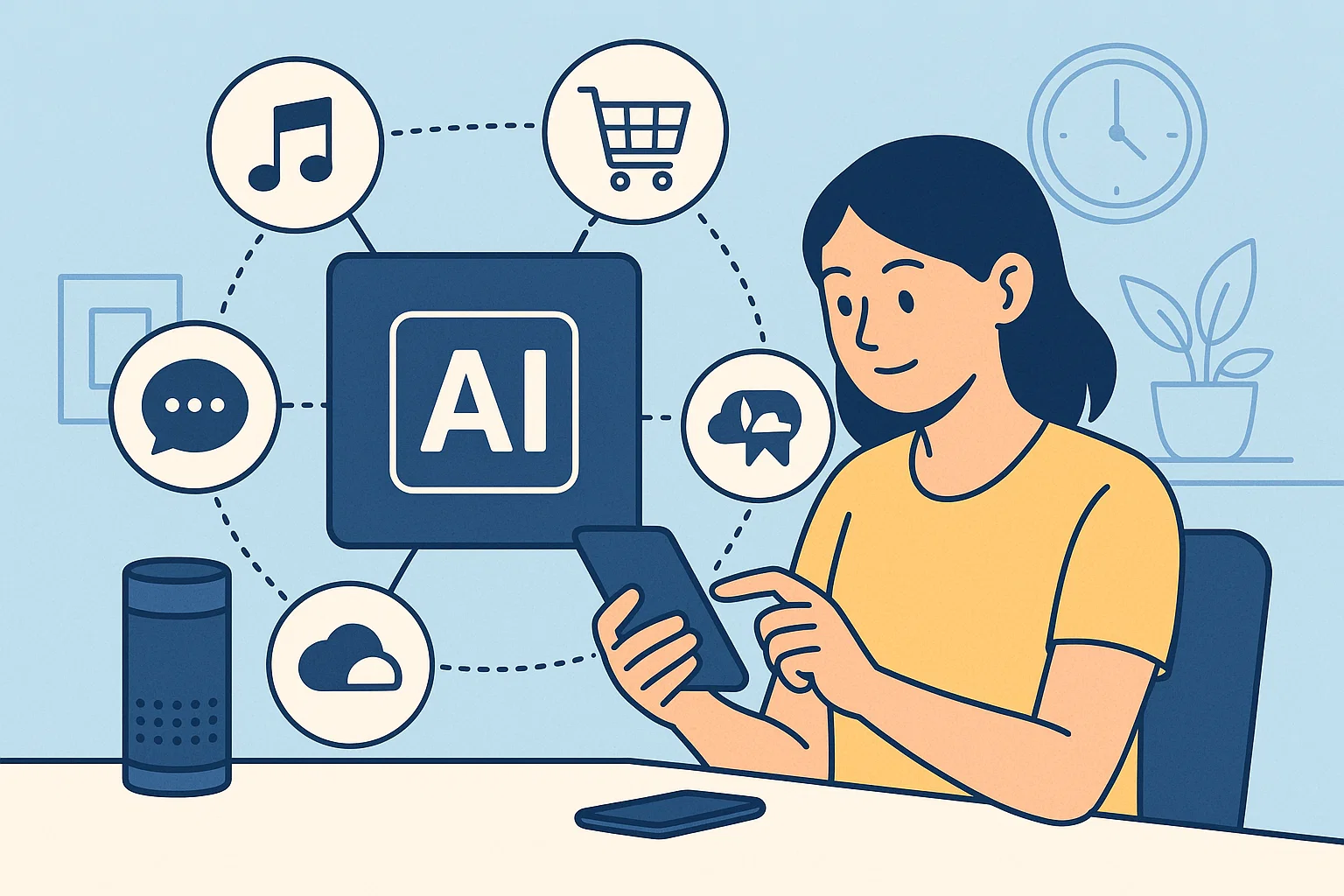
Artificial Intelligence (AI) is no longer a futuristic concept — it’s part of our daily lives. From managing emails to generating content, creating visuals, or analyzing data, AI tools can save time, increase productivity, and simplify complex tasks.
The best part? Many AI tools are completely free for personal use. Whether you are a student, freelancer, professional, or entrepreneur, these tools can help you automate repetitive tasks and enhance efficiency.

In this blog, we’ll explore the 5 best free AI tools you can use daily, their features, benefits, and practical applications.
1. ChatGPT (AI Text Assistant)
ChatGPT, developed by OpenAI, is one of the most popular AI text assistants in the world. It can write, summarize, translate, and answer questions instantly.
• Text Generation
ChatGPT can create emails, reports, essays, social media captions, and more. You just give a prompt, and it generates human-like text in seconds.
• Summarization
Instead of reading long articles, you can ask ChatGPT to summarize content into concise points. This saves time while still getting all important information.
• Translation and Language Support
ChatGPT supports multiple languages, making it useful for translating documents or generating multilingual content.
• Brainstorming Ideas
Stuck on project ideas, blog topics, or creative writing? ChatGPT can generate multiple ideas in seconds, helping you overcome creative blocks.
Practical Daily Use Examples:
- Drafting professional emails quickly
- Summarizing research papers
- Creating social media posts
- Getting coding help or explanations
2. Canva AI (AI Graphic Design Tool)
Canva’s AI features make graphic designing easy for everyone, even without prior experience. Its AI text-to-image tool allows you to create stunning visuals in minutes.
• AI Image Generator
Convert simple text prompts into beautiful images or graphics. Perfect for social media posts, banners, or presentations.
• Design Templates with AI Suggestions
Canva offers ready-made templates, and AI suggests layouts, colors, and fonts that match your content. This reduces design time drastically.
• Background Remover
With a single click, remove image backgrounds automatically. This is useful for product photos, presentations, or thumbnails.
• AI Writing Assistant
Canva’s AI can help write catchy text, headlines, or content for your designs. It ensures your visuals look polished and professional.
Practical Daily Use Examples:
- Social media content creation
- Presentations and posters
- Blog and website images
- Thumbnails for YouTube or videos
3. Grammarly (AI Writing & Grammar Assistant)
Grammarly is a widely used AI tool that helps correct grammar, spelling, and style. It’s more than just a spellchecker; it improves your writing tone and clarity.
• Grammar and Spell Check
Grammarly instantly corrects errors in grammar, punctuation, and spelling. It saves time and ensures professional writing.
• Style and Clarity Suggestions
The AI suggests better word choices, sentence structure improvements, and concise phrasing to make your writing clear and readable.
• Tone Detection
Grammarly can detect the tone of your text — whether it’s formal, friendly, or persuasive — helping you communicate effectively.
• Free Plagiarism Checker
Check whether your content is original. This is essential for students, writers, and content creators.
Practical Daily Use Examples:
- Writing emails or reports
- Creating blog posts
- Proofreading social media content
- Academic writing and assignments
4. Notion AI (AI Productivity Assistant)
Notion is a productivity app used for note-taking, project management, and task organization. Its AI assistant takes productivity to the next level by automating writing, summarizing, and brainstorming.
• AI-Powered Notes
Convert messy notes into clean, organized summaries. Notion AI can structure your content for clarity and quick understanding.
• Task Management & Reminders
It can generate task lists, daily planners, and project timelines, making your workflow more organized and efficient.
• Idea Generation
Need blog ideas, project titles, or meeting agendas? Notion AI generates creative suggestions in seconds.
• Document Summarization
Paste long documents, and Notion AI will summarize them into key points. This saves hours of reading and research.
Practical Daily Use Examples:
- Organizing work tasks and schedules
- Summarizing meeting notes
- Writing reports or project drafts
- Brainstorming for creative projects
5. Otter.ai (AI Voice-to-Text Tool)
Otter.ai is a powerful AI tool that converts voice into text automatically. It’s perfect for meetings, lectures, interviews, and transcription.
• Real-Time Transcription
Otter.ai transcribes audio in real time, making it easy to follow meetings or lectures. You can also edit transcripts afterward.
• Speaker Identification
It distinguishes between speakers automatically, which is useful for multi-person meetings or interviews.
• Summarization & Highlighting
AI highlights key points, so you don’t have to read the entire transcript. This saves a lot of time for busy professionals.
• Cloud Storage & Search
Your transcriptions are saved in the cloud and searchable. You can find past meetings or lectures instantly.
Practical Daily Use Examples:
- Recording and transcribing meetings
- Taking lecture notes in school/college
- Generating text from audio content for blogs or videos
- Documenting interviews
Why Use Free AI Tools Daily?
1. Save Time
AI handles repetitive tasks like writing, summarizing, or transcribing, giving you more time to focus on creative or strategic work.
2. Increase Productivity
Tools like Notion AI or ChatGPT streamline your workflow and task management, making you more efficient.
3. Improve Quality
AI tools like Grammarly or Canva AI ensure your content, designs, and communication are professional and high-quality.
4. Reduce Costs
Free AI tools provide advanced functionality without paying premium subscriptions, ideal for students, freelancers, and small businesses.
5. Stay Ahead of the Curve
AI is the future. Regular use helps you adapt to emerging technologies and integrate them into daily life.
Tips to Maximize the Benefits of Free AI Tools
- Use the right tool for the task
Combine ChatGPT for text, Canva for visuals, Grammarly for proofreading, Notion for productivity, and Otter.ai for transcription. - Customize AI outputs
Don’t rely solely on AI. Always review and edit outputs for personal or professional touch. - Learn shortcuts and features
Most AI tools have hidden features that can save more time. Explore templates, plugins, and integrations. - Keep security in mind
Avoid uploading sensitive information unless you trust the platform. Always read privacy policies. - Combine multiple tools
For example, use ChatGPT to generate blog content, Grammarly to proofread, and Canva AI to create visuals. This creates a complete workflow without manual effort.
Conclusion
AI is no longer just a futuristic concept; it’s a daily productivity companion. Free AI tools like ChatGPT, Canva AI, Grammarly, Notion AI, and Otter.ai can help you save time, improve quality, and automate tasks. Whether you are a student, professional, freelancer, or entrepreneur, integrating these tools into your daily routine will make work easier and more efficient.
By using these AI tools consistently, you’ll not only enhance productivity but also stay ahead in a world that is increasingly powered by artificial intelligence.
Start exploring these free AI tools today, and watch how they transform your everyday tasks!